
Course IX · Call button
A GHL floating contact widget: the call bell on every page
A GHL floating contact widget keeps the next step in reach while a guest scrolls the menu: call, text, directions, book. The customizer has 51 templates in 7 types, from a minimal contact row to review drawers and multi-tab hubs, with business hours, targeting and leads into GoHighLevel.
Within reach
Try 51 GoHighLevel floating button templates
Start with the minimal contact row, then switch types. Click the launcher inside the preview to close and reopen it; nothing is sent anywhere.
Warming up the live preview
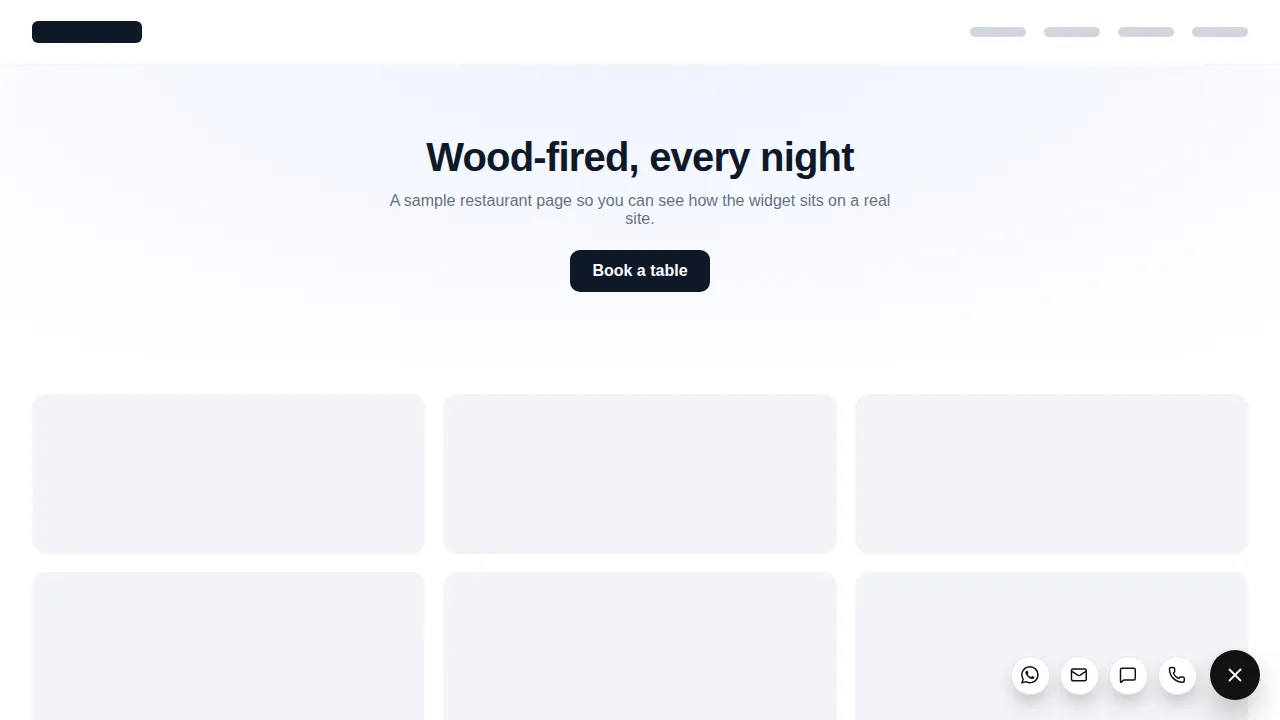
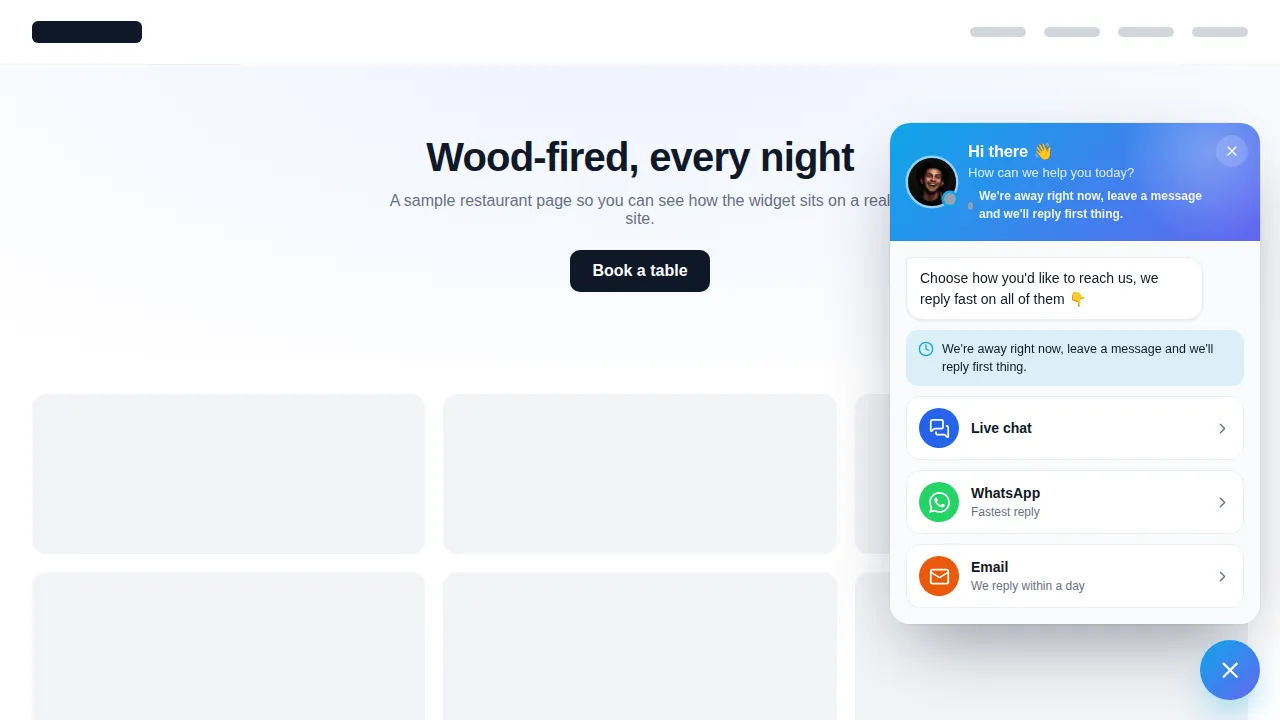
Minimal contact rowEach chip is a real template drawn by the same engine that runs on your site. Click the launcher inside the preview to close and reopen it; nothing is sent anywhere.
The pantry
Types, shapes and openings
- Social links
- 11
- Contact & chat hub
- 13
- Contact form
- 7
- Reviews
- 6
- Embed a page
- 4
- Video
- 5
- Multi-tab widget
- 5
- Templates
- 51
Launchers: circle, rounded square, pill with label, tab on the page edge, avatar bubble, video bubble. Openings: fan / arc, vertical stack, speed dial, radial burst, horizontal row, slide-up card, side drawer, centred modal.
Restaurant website call button and more
Where a floating widget earns its spot
- Mobile menu pages
Call and directions stay one tap away while a hungry guest scrolls the menu on a phone.
- After hours
A business-hours hub that tells late visitors when you open again and keeps the booking link one tap away.
- Large parties
A form widget for group bookings that lands in GoHighLevel and starts your events follow-up.
- Reputation
A review drawer showing your Google rating on the reservations page.
Without
- Phone number in the footer
- Guests bounce to a map app and call a competitor
With
- Call, text and book on every page
- Enquiries arrive in GoHighLevel
Setting it up
How to add a floating contact widget
Pick a widget type
Contact hub, social links, a form, reviews, an embedded page, video or a multi-tab widget: 7 types and 51 templates.
Add your channels
Phone, text, WhatsApp, email, directions, a booking link or your GoHighLevel form. Add business hours so the widget shows when you answer.
Choose shape and opening
6 launcher shapes, 8 ways to open and 8 styles, all previewed live.
Target and publish
Pick the pages, devices and visitors, then switch it on. Chef's Table keeps up to 10 floating widgets live.
Questions at the door
GHL floating contact widget FAQs
Can I add a call button to my restaurant website?
Yes. A floating contact widget keeps call, text, directions and booking within a thumb’s reach on every page, which matters most on a phone when a guest is deciding where to eat.
Which channels can it hold?
Phone, SMS, email, WhatsApp, Messenger, booking links, maps and more: 15 contact channels and 34 social networks across the templates.
Does it work with GoHighLevel forms?
Yes. A form widget can open your GoHighLevel form, and on the Chef’s Table menu widget leads can be sent into GoHighLevel as contacts.
Can I limit which pages show it?
Yes. Target by page, new or returning visitors, device and schedule on websites. Inside GoHighLevel, show it to the agency or to all, some or all-but-some sub-accounts.
Can it show opening hours?
Yes. Business-hours templates show your opening hours beside the contact options, so a guest knows when someone will pick up and can use the booking link in the meantime.
Will it cover my booking button?
Pick the corner and the launcher shape that keeps clear of your own buttons. The minimal row and the edge tab take up very little space.
Can I show Google reviews in it?
Yes. Review templates include a Google rating card, a review drawer and an embed for your GoHighLevel reviews widget.
Which package includes floating widgets?
Floating widgets are on Chef's Table ($787 once), along with popups, social proof and calculators.
Same menu
More from the Chef’s Table
A holiday popup and a floating call button make a good pair on the reservations page.
Ready when you are
Keep the call bell in reach
51 floating widget templates, plus popups, social proof and calculators, on Chef's Table, paid once.
Paid once by card through Stripe · login by email within minutes · no monthly fee