Course I · Amuse-bouche
A GHL custom login page that greets clients like a good host
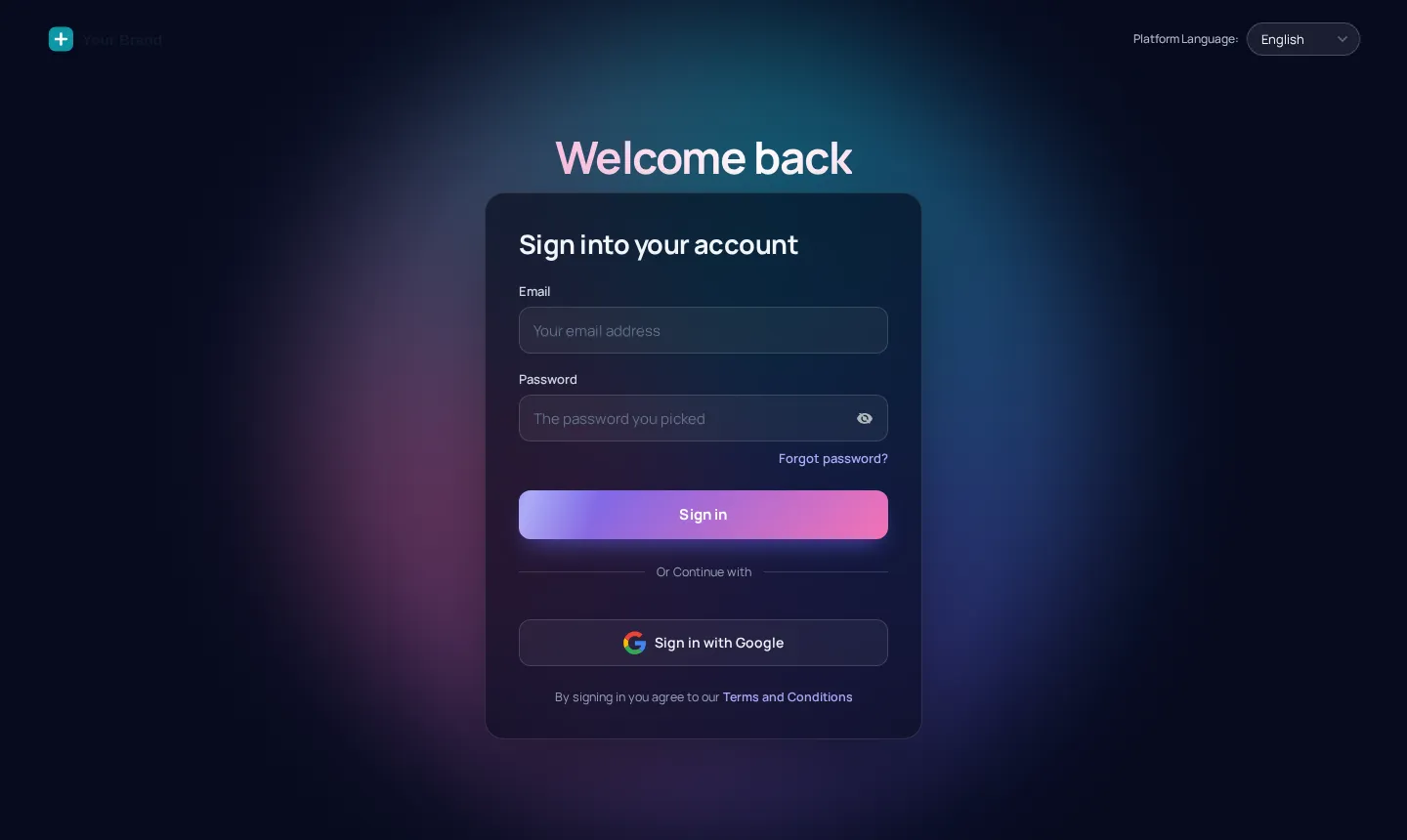
A GHL custom login page is the first plate every client tastes. The customizer ships 16 animated designs for the GoHighLevel sign-in, two-factor and password reset screens, each branded with your logo, colour and photos, and switched on with a single CSS line in your agency settings.
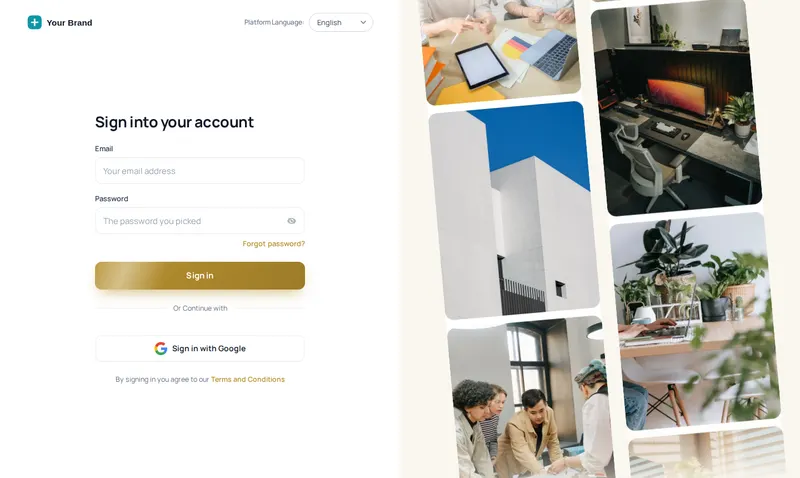 Photo wall design
Live at the door
Try every GoHighLevel login page design
Each chip applies the real login CSS to a copy of the GoHighLevel login markup. Switch to the two-factor and reset screens, or flip to phone view.
Warming up the live preview
Photo wallThe same CSS that ships to GoHighLevel, applied to a copy of the real GoHighLevel login markup. Switch screens to see two-factor and password reset in the same design.
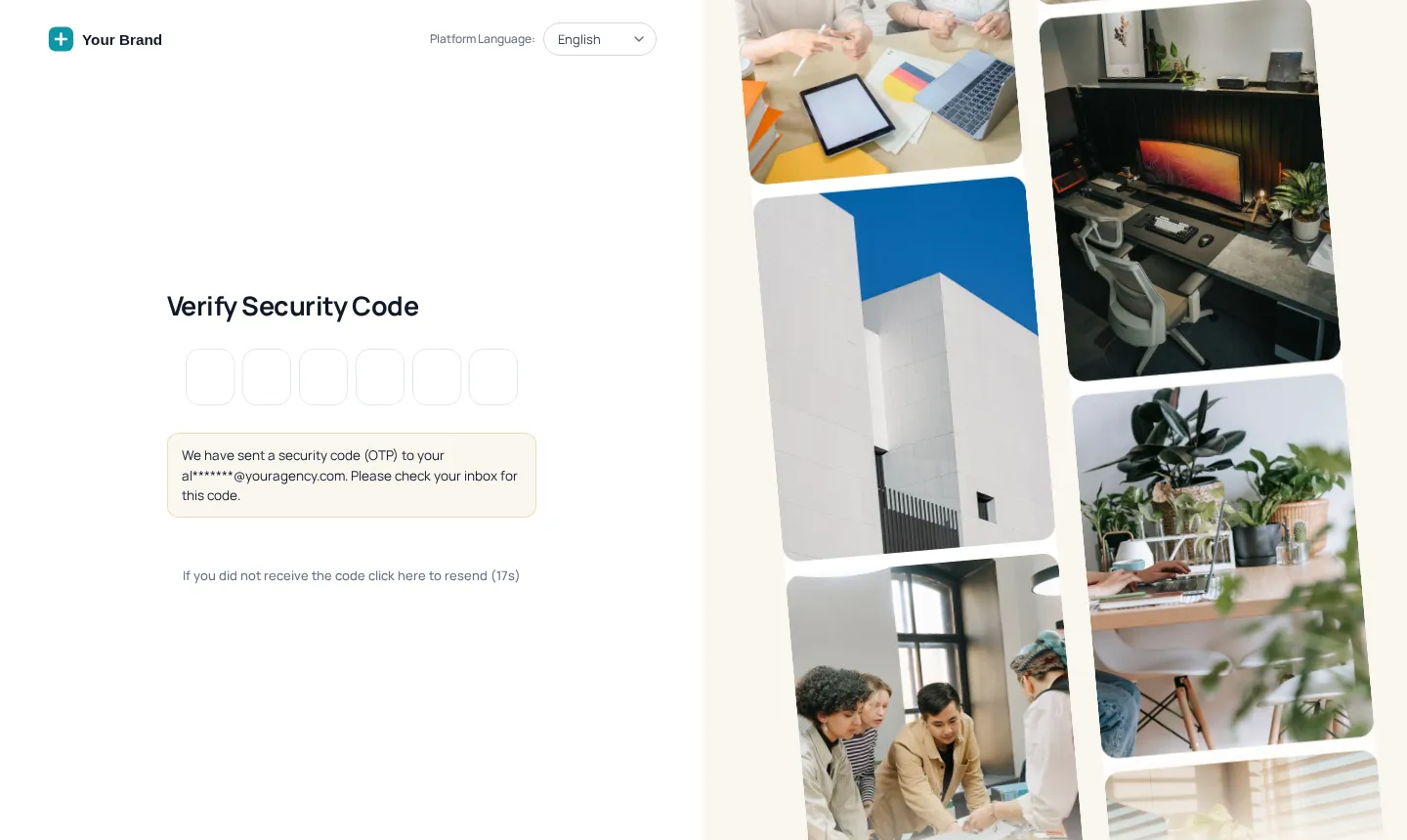
One design, three screens
The white label GHL login, all the way through
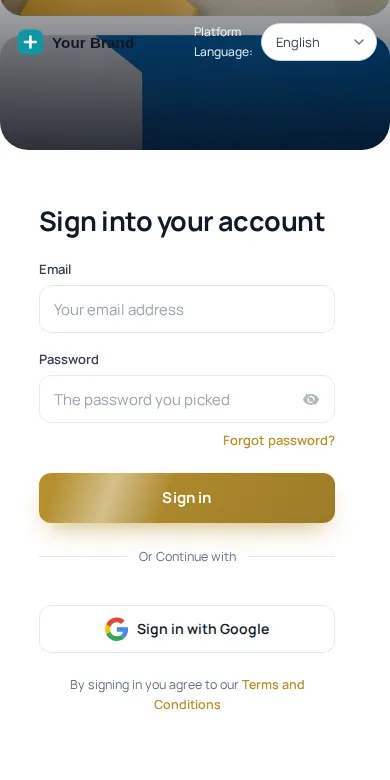
Most custom logins stop at the first form. These carry the same look through the security code and the phone layout, so nobody sees the stock screen mid-login.
Who it is for
Branded login for restaurant clients and teams
- Agencies onboarding a new restaurant
The welcome email links to a login in your brand, which sets the tone before the first workflow runs.
- Groups with several venues
Managers from every location sign in through one recognisable door, with photos of your own rooms.
- Hosts signing in on a tablet
A clear, high-contrast form at the host stand, with the security code screen in the same style.
- Resellers under their own name
Nothing on the sign-in mentions anyone else’s platform; it reads as your product from the first click.
Setting it up
How to switch on a GoHighLevel login page design
- 01
Pick a login design
Choose one of the 16 designs in the customizer and watch it animate in the preview beside the settings.
- 02
Add your brand
Upload the logo, set the brand colour and, on photo designs, swap in your own pictures: a dining room, the pass, a plated signature dish.
- 03
Check every screen
Flip the preview between sign-in, the two-factor code screen and password reset; the same design carries through all three.
- 04
Paste the CSS line once
Copy the CSS import into GoHighLevel under Agency Settings, Company, White Label, Custom CSS. Later edits go live without touching it again.
The house list
All 16 designs
- Auroradark
- Split herolight
- Cinematicdark
- Editoriallight
- Midnight starsdark
- Neon griddark
- Prism ringdark
- Gradient meshlight
- Ocean waveslight
- Minimal glowlight
- Frosted photodark
- Photo walllight
- Sunrise hillslight
- Orbitdark
- Light beamsdark
- Holographiclight
8 dark and 8 light designs. Hover a chip in the preview for a one-line description of each.
Questions at the door
GHL custom login page FAQs
Can I change the GoHighLevel login page?
Yes. GoHighLevel lets agencies add custom CSS to the white-label login, and the customizer turns that into 16 ready designs you can brand in a visual editor instead of writing CSS.
Does the design cover two-factor and password reset?
Yes. Each design styles the sign-in form, the security code screen and the password reset screen, so a client never drops back to the stock look halfway through logging in.
Where does the login CSS go?
In GoHighLevel agency settings: Company, White Label, Custom CSS. You paste one import line from your customizer account. It points at your saved design, so you never paste again after an edit.
Can I use photos of my restaurant?
Yes. Photo designs such as Photo wall and Frosted photo take your own images. Use shots you have the rights to: the dining room, the bar, a dish on the pass.
Will it work on phones?
Yes. Every design is responsive. On a phone the brand and form stack, so a manager signing in from the floor sees a clean, readable form.
Can two restaurant brands have different login pages?
Yes. Each workspace has its own login CSS address, so two brands on separate workspaces can each have their own design.
Do the animations slow the login down?
The designs are delivered as one CSS import that loads with the login page, so the form is usable straight away while the animation plays behind it.
Which package includes the login designs?
All 16 login designs are included from Appetizer ($157 once) and on every larger menu.
Next courses
After the login: the rest of the menu
The login pairs naturally with a full GoHighLevel theme in the same colours.
Ready when you are
Open the door in your colours
All 16 login designs, 27 themes and dark mode come with Appetizer, paid once.
Paid once by card through Stripe · login by email within minutes · no monthly fee